


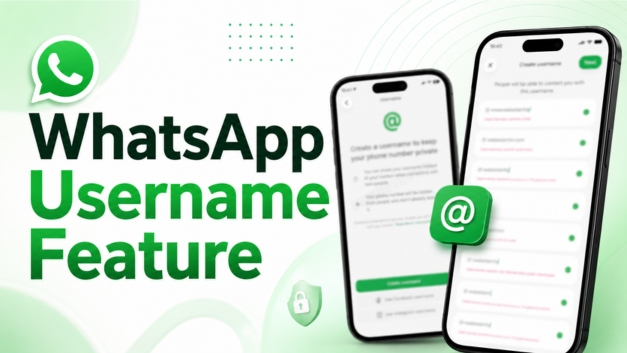
In a massive win for user privacy, Meta has officially begun rolling out WhatsApp Username Reservations globally. This highly anticipated feature completely transforms how we connect online, allowing users to text, call, and join group chats without ever revealing their personal phone numbers to strangers.
With over three billion users on the platform, WhatsApp is opening username claims early so you can lock in your preferred handle before someone else takes it.
Why This Feature is a Game Changer
For years, the biggest drawback of WhatsApp was that joining a neighborhood group, coordinating with a seller on a marketplace, or texting a new professional contact required giving away your mobile digits. Because your phone number is tied to your bank accounts, digital IDs, and personal life, sharing it can feel like a major risk.
With the new username update, your phone number remains hidden from any new contact or business you message for the first time. They will only see your custom handle.
Is it mandatory? No. The username feature is completely optional. If you prefer the traditional, phone-number-based system, you can continue using WhatsApp exactly as you do now.
Essential Username Rules & Requirements
To prevent impersonation, domain squatting, and spam, WhatsApp has established strict guidelines for creating a handle:
- Character Limits: Usernames must be between 3 and 35 characters long.
- Allowed Characters: You can only use lowercase letters (a–z), numbers (0–9), periods (
.), and underscores (_). - No Pure Numbers: Your handle must begin with a letter and contain at least one letter. You cannot have a purely numerical username.
- Anti-Fraud Filters: Handles cannot start with
www.or end with web domains like.comor.net. - Meta Synchronization: Creators and small businesses can link their WhatsApp to Meta’s Account Center to easily claim and sync their existing Instagram or Facebook handles.
Next-Level Security: The “Username Key”
Unlike traditional social networks, WhatsApp will not feature a public, searchable directory. No one can browse or look up random suggestions; people must know your exact handle to reach you.
For those who want absolute control over their inbox, WhatsApp is introducing an optional Username Key (initially rolling out as a 4-digit PIN code, later upgrading to alphanumeric). If you enable this key, someone trying to message you via your username for the first time cannot open a chat unless they also input your secret code. This completely eliminates random guessing or spam from strangers.
(Note: Contacts who already have your phone number saved in their address book do not need to enter this key.)
Step-by-Step: How to Reserve Your Username
The feature is currently rolling out in phases to Android and iOS users globally. To see if it is live in your region, follow these steps:
1. Update the App:
Go to the Google Play Store or Apple App Store and ensure you are running the absolute latest version of WhatsApp.
2.Navigate to Account Settings:
Open WhatsApp, tap your profile icon to go to Settings, and select Account.
3.Check for ‘Username’:
Look for the Username tab. If you do not see it yet, don’t worry- WhatsApp is sending out in-app notifications as the rollout reaches different countries over the coming weeks.
4.Claim or Generate:
Type in your desired handle. If it’s taken, you can use the built-in unique username generator to find an available alternative, then hit save.
As always, all conversations initiated via usernames remain protected by WhatsApp’s strict end-to-end encryption, meaning neither Meta nor any third party can read or listen to your private chats.
Must read, Passport Application Fees Hike: Everything You Need to Know About the New Costs from 1st July
Watch Latest News Videos on KRH News: Click Here